
Google Chat
Set up Google Chat recipients for incident notifications.
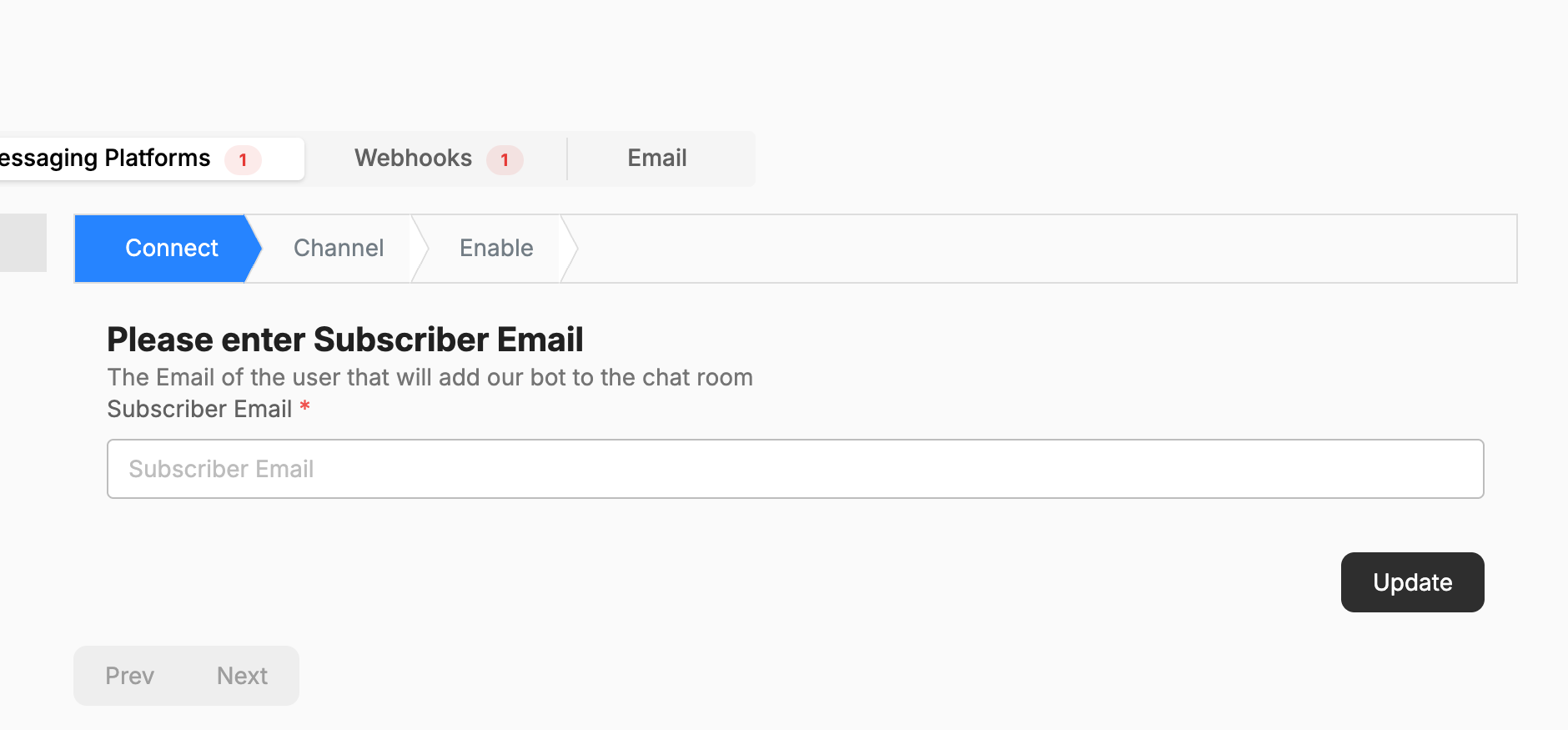
Step 1 — Connect
- Go to Connections → Integrations (or Settings → Integrations → Messaging Platforms) and choose Google Chat.
- On the Connect stage, enter the Subscriber Email — the email of the user that will add the Xyte bot to the chat room.
- Click Update, then Next.
Step 2 — Channel
Choose the Google Chat room that should receive notifications, then click Update to save it — Next only moves between stages and does not save the room. The Xyte bot must be added to that room by the subscriber.
Step 3 — Enable
Turn the integration on. Once enabled, Xyte incident notifications post to the selected Google Chat room.
To control which incidents each space sends, use that space's Routing settings.
Having trouble with the Google Chat integration? See the Google Chat troubleshooting guide.
Updated about 2 months ago
Did this page help you?