
Notes
Notes let you attach free-form, Markdown-formatted notes to a space or a device. Notes are visible to other users in your organization.
Notes work the same way in two places:
- Space level — context for a whole site or room.
- Device level — context for a single device.
Where to find Notes
Notes are available on both spaces and devices, but the entry point is in a different place on each:
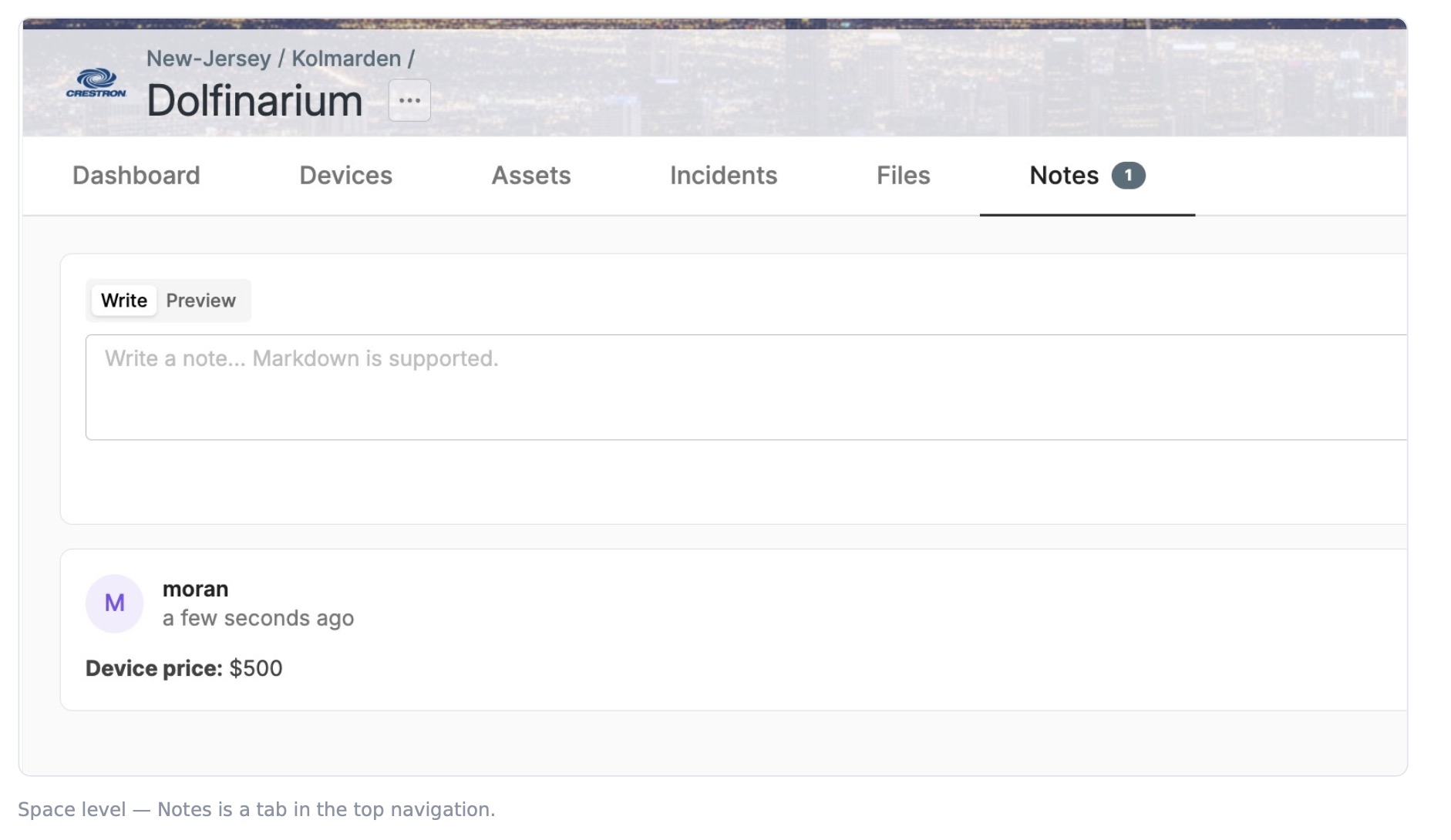
- On a space, Notes is a tab in the space's top navigation (Dashboard, Devices, Assets, Incidents, Files, Notes).
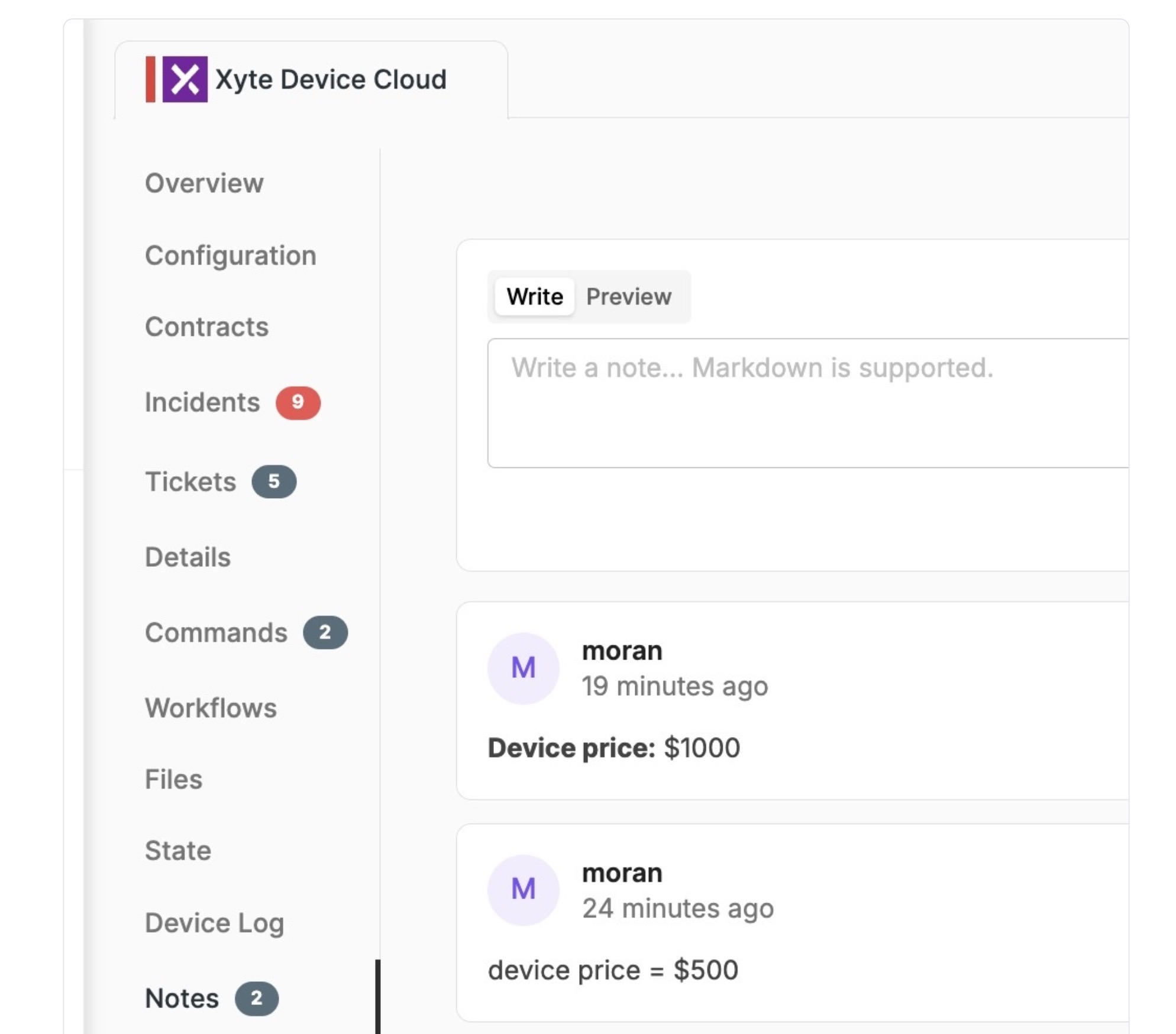
- On a device, Notes is in the device's left-hand menu (Overview, Configuration, Contracts, …, Notes).
In both places the editor and the list of saved notes are identical, and the menu item shows a badge with the number of existing notes.
Add a note
-
In the Notes tab, click into the Write a note… box. Markdown is supported.
-
Type your note.
-
Click Add note.

The saved note appears below the editor with the author's name and a timestamp.

Format with Markdown (Write / Preview)
Notes support Markdown, so you can add emphasis, lists, and links. Use the two tabs above the editor:
-
Write — type your Markdown. For example:
**Device price:** $3000.
-
Preview — see how it will render before you save.

Saved notes always display the rendered Markdown.
Edit or delete a note
Open the ⋯ menu on any note to manage it:

-
Edit — reopens the note in the Write/Preview editor. Make your changes and click Save, or Cancel to discard them.
-
Delete — permanently removes the note.
Device level vs. space level
The editor, Markdown support, and edit/delete actions are identical in both places — only the scope changes:
| Where | Use it for | |
|---|---|---|
| Space note | Space → top navigation → Notes | Context that applies to the whole site/room |
| Device note | Device → left-hand menu → Notes | Context that applies to a single device |
Working with Notes via the API
Notes can be created, retrieved, and deleted programmatically. All endpoints use your organization API key (Settings → API Keys). Note content supports Markdown, exactly like the portal editor.
Open the Notes API reference for the full endpoint list, request fields, and response fields.
Notes created through the API have a
nullauthor (created_by), because API calls carry no user context; notes added in the portal show the creating user.
Using Notes from the Xyte CLI
The Xyte CLI (@xyteai/cli) is a command-line tool for operating Xyte from a terminal or a shell-capable AI agent (Claude Code, Codex, Copilot). Because it authenticates with the same organization API key and talks to the same organization API, the Notes endpoints above are available through CLI-driven workflows alongside fleet inspection, incident watching, and report generation.
Get started in three steps (requires Node.js 22+):
npx -y @xyteai/cli@latest doctor environment --format json
xyte-cli setup run            # connect your tenant API key once
xyte-cli setup status --field tenantId
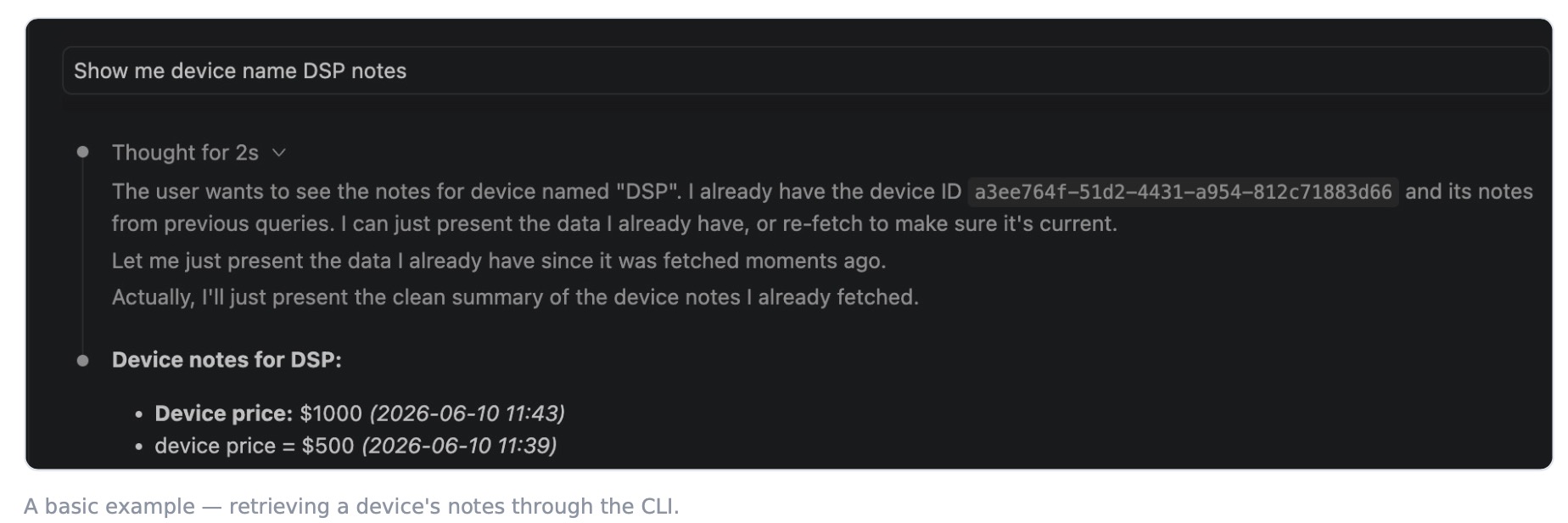
A basic example
Once connected, you (or an AI agent driving the CLI) can ask for a device's notes in plain language and get them back from the Notes API:
CLI reference and command list: https://xyte-io.github.io/xyte-cli/
Updated about 1 month ago