
Cloud2Cloud devices general information
Review Cloud2Cloud device behavior, including device name sync and deeplink support.
Review Cloud2Cloud device behavior, including device name sync and deeplink support.
Device name sync
Users can sync device names from third-party clouds. When enabled, the third-party cloud becomes the source of truth for device names.
When device name sync is enabled:
- Device names are updated from the connected third-party cloud.
- Xyte disables the rename option for devices managed by those connectors.
- Device name changes should be made in the third-party cloud, then synced back to Xyte.
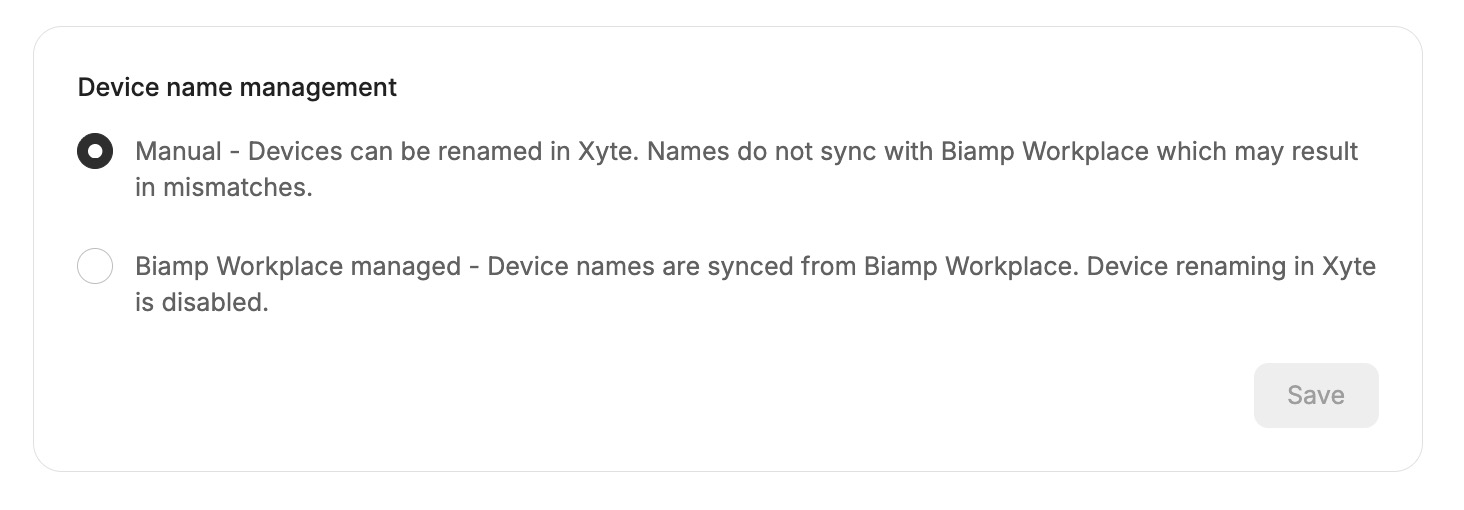
Example: device names synced from a third-party cloud
Editing connector-synced device fields
Fields such as IP address, serial number, MAC address, and firmware version are populated from the cloud connector, and they remain editable in the portal. (The device name is the exception when name sync is enabled — see Device name sync above.)
On each sync, the connector compares the value it receives from the cloud against the value it last sent, and updates Xyte only when that cloud value has changed. In practice, a value you enter manually stays in place while the cloud keeps reporting the same value, and is refreshed to the cloud value whenever the cloud reports a different one.
| Field | On the next sync |
|---|---|
| IP address | Refreshed only if the cloud reports a different IP; otherwise your value stays. |
| MAC address | Kept as set after onboarding — the connector does not re-send it. |
| Serial number | Refreshed when the cloud reports a different serial. |
| Firmware and other synced details | Refreshed when the cloud value changes. |
The IP/hostname shown for a Cloud2Cloud device is informational: a cloud connector communicates with the cloud service rather than the device directly, so a C2C device's online status reflects what the connector reports. (For Connect+ Edge devices, network details are used for connectivity and should be kept accurate.)
Sync now
Sync now asks the cloud connector to fetch one device's current state from the vendor cloud, instead of waiting for the connector's next scheduled sync. Use it when you have just changed or checked something in the vendor cloud and want Xyte to reflect it right away.
Open the device in Xyte and select Sync now in the device header.
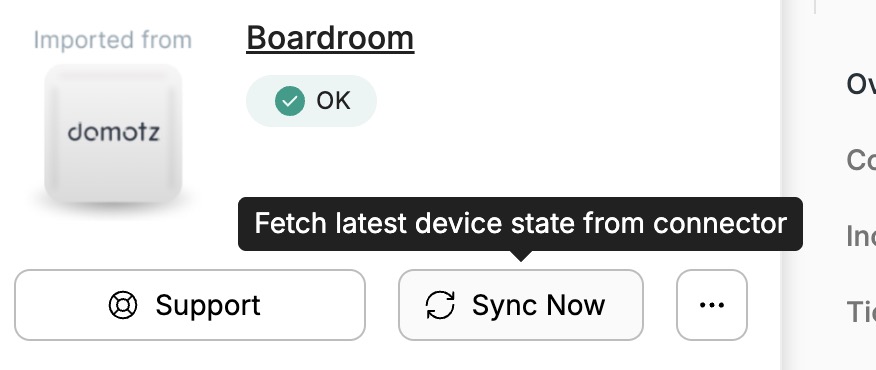
Sync now on a device from a connector that supports it
What it does
Xyte calls the connector, the connector queries the vendor's cloud API for that single device, and Xyte refreshes what it holds for the device — its reported state, and the connector-synced fields the vendor returns (subject to the update rules under Editing connector-synced device fields above). How much a sync refreshes depends on what the vendor's cloud API exposes per device: for some connectors that is the full device record, for others it is the device's live status.
A device that is genuinely offline in the vendor cloud stays offline after a sync — Sync now refreshes what Xyte knows from the cloud, it does not reach the device itself.
What it does not do
| Sync now does not… | Use instead |
|---|---|
| Discover devices added in the vendor cloud | Wait for the connector's next scheduled sync |
| Re-import an excluded device | Recover device — see Viewing C2C device status per connector |
| Change the device's space or name | The vendor cloud (with device name sync enabled), or the Xyte portal |
| Fix a connector in Error or Unauthenticated state | Re-authenticate the connector |
Which connectors support it
Sync now is a per-connector capability: it depends on the connector's cloud API offering a single-device lookup, so it is available for every device from a connector that supports it, and for no device from a connector that does not. Support is added connector by connector.
| Connector | Sync now |
|---|---|
| Domotz | Yes |
| Neat Pulse | Yes |
| AppSpace | Not yet |
| Biamp Workplace | Not yet |
| BrightSign (BSN.cloud) | Not yet |
| Cisco Control Hub | Not yet |
| Crestron XiO Cloud | Not yet |
| Logitech Sync | Not yet |
| Microsoft Teams Rooms | Not yet |
| NETGEAR | Not yet |
| Axis | Not yet |
| Poly Lens | Not yet |
| Q-SYS Reflect | Not yet |
| Shure | Not yet |
| Sony | Not yet |
| Yealink Management Cloud Service | Not yet |
| Zoom Rooms | Not yet |
Connectors marked (Legacy) in Xyte do not support Sync now.
The button itself always tells you where you stand:
| What you see | Meaning |
|---|---|
| Sync now active, tooltip "Fetch latest device state from connector" | This connector supports it |
| Sync now greyed, tooltip "This connector does not support single-device sync yet" | Not available for this connector |
| No Sync now button | The device was not imported by a cloud connector |
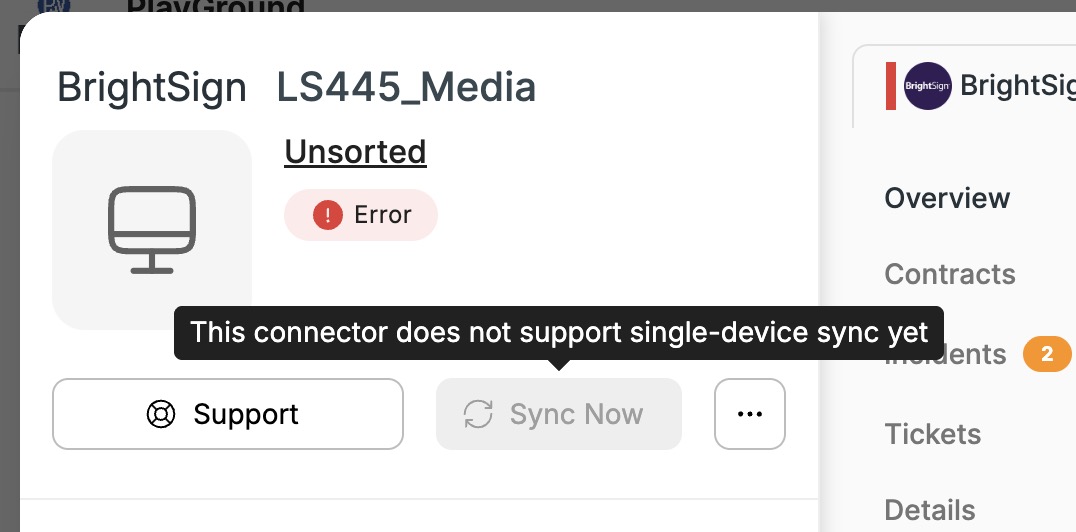
Sync now is greyed out for connectors that do not support it yet
You need Edit access to the device to use Sync now.
While the sync runs
The button shows a spinner while Xyte waits for the vendor cloud. Most syncs finish in a few seconds; Xyte waits up to two minutes before it stops watching.
| Outcome | What you see |
|---|---|
| Success | Device synced successfully, and the device page refreshes with the new values. |
| Failure | An error describing why the vendor cloud could not be reached or read. |
Selecting Sync now again while a sync is already running has no effect — the request in flight continues. If a sync never reports back, the device accepts a new sync request after 15 minutes.
A failed Sync now affects only that device. It does not disable the connector or any other device on it.
Deeplink support
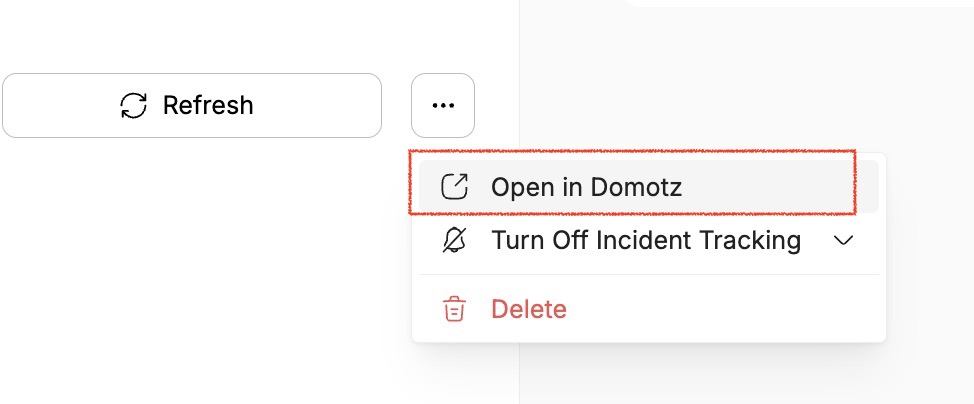
Some cloud connectors support deeplinks from Xyte to the device page in the connected third-party cloud. A deeplink is a direct link that opens the matching device record in the provider's cloud portal, so users can move from the device in Xyte to the same device in the source system.
Deeplink support is available for these connectors:
- AppSpace
- Crestron XiO
- Domotz
- Logitech Sync
- Neat Pulse
- Poly Lens
- QSC Reflect
- Zoom
When a connector supports deeplinks, users can open the device in Xyte and follow the deeplink to view or manage the device in the connected cloud.
For example:
Updated 2 months ago