
Contacts
Manage your finance and administrator contacts.
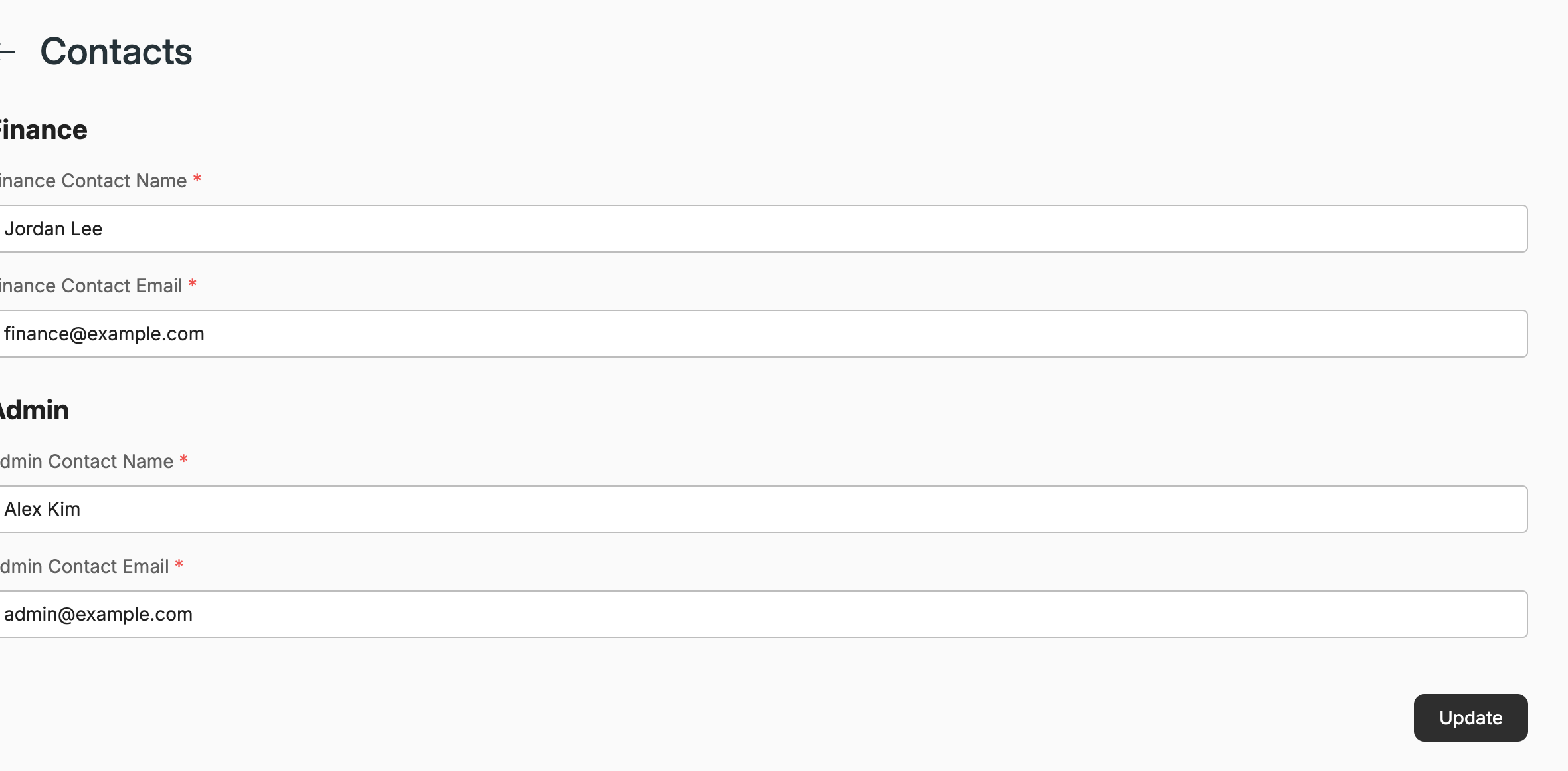
On the Contacts screen, you can configure the name and email address for your organization’s finance and admin contacts. These can be the same or different.
NoteTo receive notifications for multiple email addresses, you must create a mailing list on your email provider’s side and use it as the finance/admin contact.
The finance contact is the point of contact for anything related to transactions made on the platform, such as purchasing, payments, invoicing, etc.
The admin contact is the point of contact for anything administrative, such as problems with the tenant or the integrators, etc.
Integration & connector error notificationsWhen an integration or cloud connector enters an error state, the notification email is sent to the admin contact email configured on this screen. To make sure these alerts reach the right people, keep the admin contact email up to date (or point it at a mailing list, as described above).
The Default email address of the Email integration (Connections → Integrations → Email) is used for device incident notifications only — it does not receive integration/connector error notifications.
Updated 5 days ago