
Biamp Workplace
| Syncs | Biamp Workplace rooms & AV devices |
| Authentication | OAuth 2.0 PKCE (Biamp IAM) |
| Direction | Inbound — imports devices into Connect+ |
Connects Biamp Workplace so managed rooms and AV endpoints sync to Connect+. Authorization is done via a Biamp user with access to the devices to be monitored.
Prerequisites
Before you start, make sure you have:
- Account / tenant: a Biamp Workplace tenant/account
- API access: included with the platform
- Plan / license: depends on your deployment
- Admin user: a Biamp Workplace user with org admin privileges that signs in with its own Biamp password — or create a dedicated Xyte user. If your users sign in with Google or Microsoft, see below.
- Organization ID: found on the Biamp Workplace website under Organization
Accounts that sign in with Google or Microsoft
For security reasons, the connector does not sign in through Google or Microsoft accounts. It needs a Biamp user that signs in with its own Biamp password. If the user entered in the connector form signs in with Continue with Google or Continue with Microsoft, the connection cannot complete, even though the form shows "credentials successfully submitted".
To check, sign out of iam.workplace.biamp.app and enter the user's email. If you are taken to a Google or Microsoft sign-in page rather than asked for a Biamp password, the account signs in through your company's identity provider.
Use a dedicated Biamp user instead:
- In Biamp Workplace, add a new user with org admin privileges that signs in with its own Biamp password.
- Use an email address outside your company's Google or Microsoft domain. When an organization signs in through Google or Microsoft, addresses on that domain are usually sent there too, including a new
[email protected]user. - Submit the connector form again with this user's email, password and your Organization ID.
- In Connections → Cloud Connectors, click Add connector and select Biamp Workplace.
- Choose the Customer and Space the devices should land in.
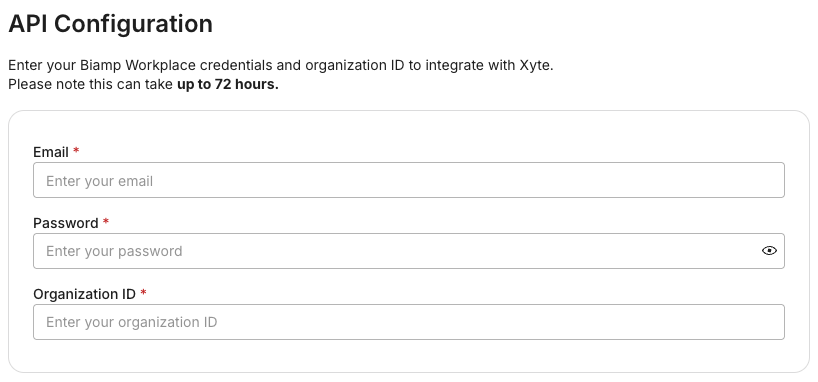
- Provide credentials for a Biamp user with org admin privileges (or the dedicated Xyte user) and complete the Biamp login. If that account uses two-factor authentication, see Two-factor authentication below. If it signs in with Google or Microsoft, see Accounts that sign in with Google or Microsoft.
- Enter your Biamp Workplace Organization ID.
- The connector activates and begins syncing — it shows Active once devices are importing.
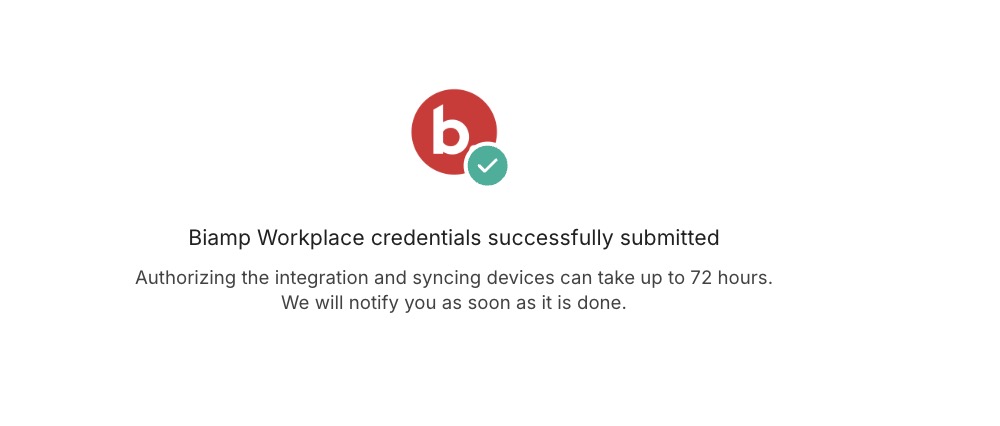
- After you submit, you'll see "Biamp Workplace credentials successfully submitted." Authorizing the integration and syncing devices can take up to 72 hours — you'll be notified when it's done.
These credentials are securely stored on Xyte servers for 7 days, then deleted.
After setupDevices land under the Customer/Space you chose. Reassign any that arrive in an Untitled space.
Two-factor authentication
Two-factor authentication on the Biamp account is supported, but the setup cannot complete on its own: the authenticator code is valid for about 30 seconds, so it has to be supplied while Xyte Support completes the connection. Choose whichever of the two is easier.
Option 1 — remove the factor temporarily
- Sign in at iam.workplace.biamp.app.
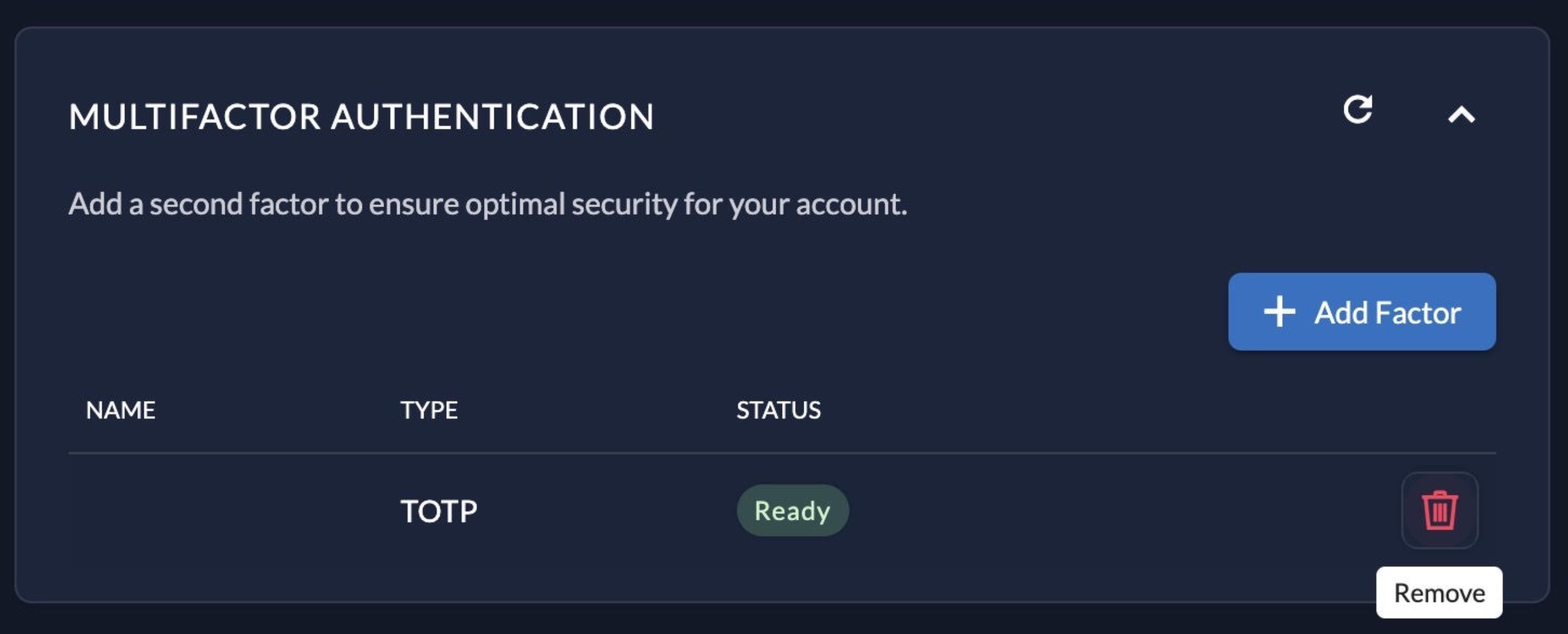
- Open Multifactor Authentication in your account settings.
- Remove the existing factor — the red trash icon beside it.
- Submit the connector form in Xyte and let support know it is off.
- Once support confirms the connector is Active, re-enable two-factor authentication. It does not affect the connection already established.
Option 2 — complete it live with support
Contact [email protected] to arrange a short call or chat. Support starts the connection, asks for the current 6-digit code from your authenticator, and you read it back. It takes a couple of minutes, and a fresh code may be needed if the 30-second window lapses.
Biamp authorization expires periodicallyWhen it does, the connector needs re-authorizing and support will contact you for a one-time code.
Connector root space: Biamp_workplace. If you delete and re-add the connector, a new one is created (named Biamp_workplace 1 if the name already exists); the device tree re-imports and its hierarchy is preserved.
Having trouble with the Biamp Workplace connector? Open the Biamp Workplace troubleshooting guide
Updated 9 days ago