
Cloud Connectors
Import devices from other cloud platforms and manage them inside Connect+.
Cloud Connectors import devices from other cloud platforms and manage them inside Connect+. Connect a platform once, and its devices sync in automatically and stay in sync.
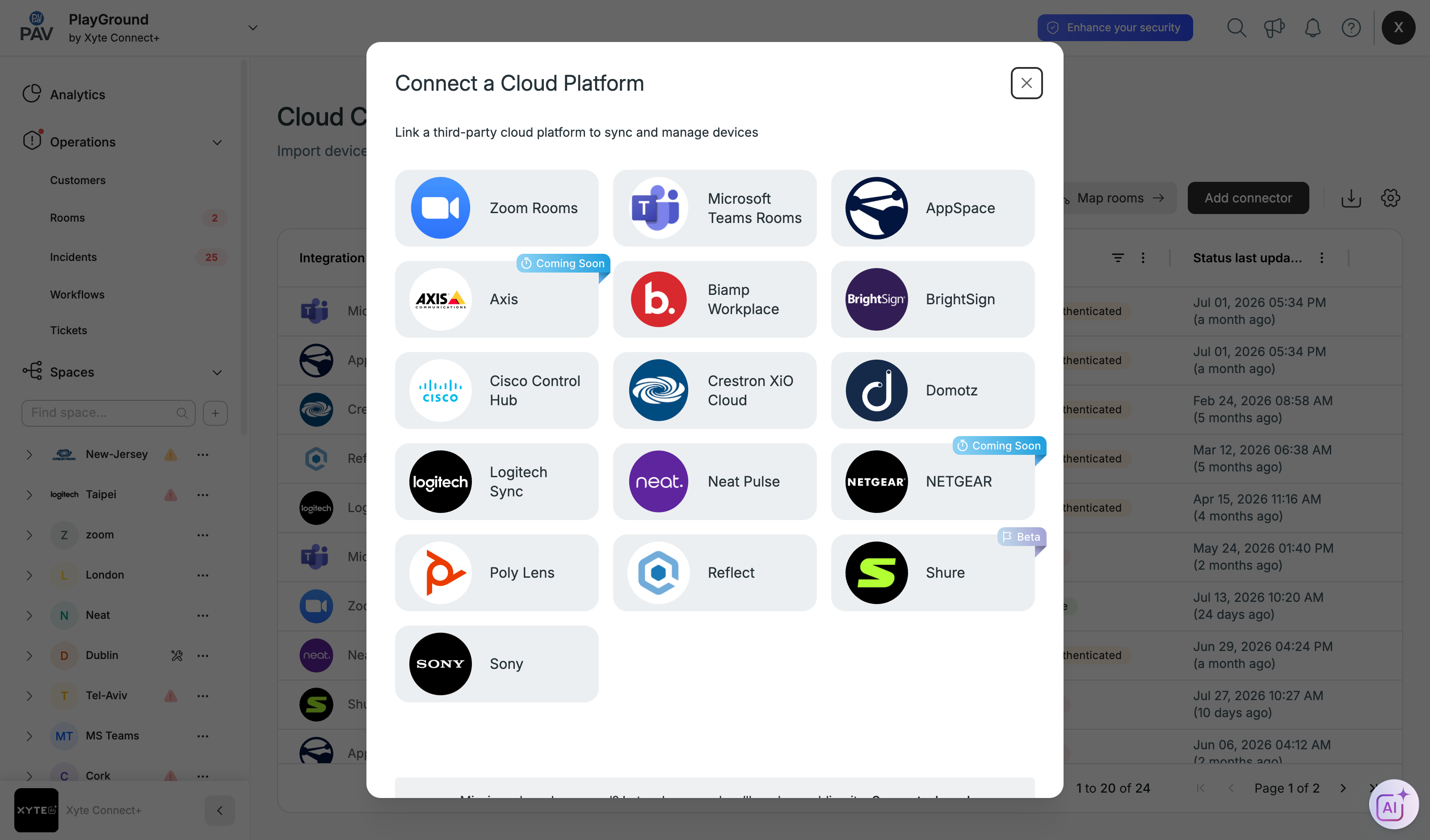
How a connector works
- Click Add connector and choose a platform from the catalogue.
- Pick the Customer and Space the devices should land in.
- Authorise (OAuth) or enter API credentials for that platform.
- Devices import and begin reporting status.
The connector catalogue
Each platform has its own page with Overview · Installation · Troubleshooting. Available today: Zoom Rooms, Cisco Control Hub, Logitech Sync, Sony, Biamp Workplace, BrightSign, Crestron XiO Cloud, Domotz, Neat Pulse, Poly Lens, AppSpace, Reflect and Yealink Management Cloud. Shure is temporarily unavailable for new connectors, Axis and NETGEAR are coming soon, and Microsoft Teams Rooms can no longer be added as a new connector (see alternatives).
Connector status
| Status | Meaning |
|---|---|
| Active | Authorised and syncing normally. |
| Unauthenticated | The token expired or was revoked — re-authenticate. |
| Error | Sync is failing — open the connector to see why. |
Inbound vs outboundCloud Connectors bring devices in. To push incidents out to Slack, ServiceNow or Jira, see Integrations.
Troubleshooting
Updated 10 days ago