
AppSpace (Beta)
This article explains how to connect your Appspace account to Xyte.
Overview
The Appspace connector allows Xyte to monitor devices managed in your Appspace environment. Authentication is done via an API token generated in the Appspace portal.
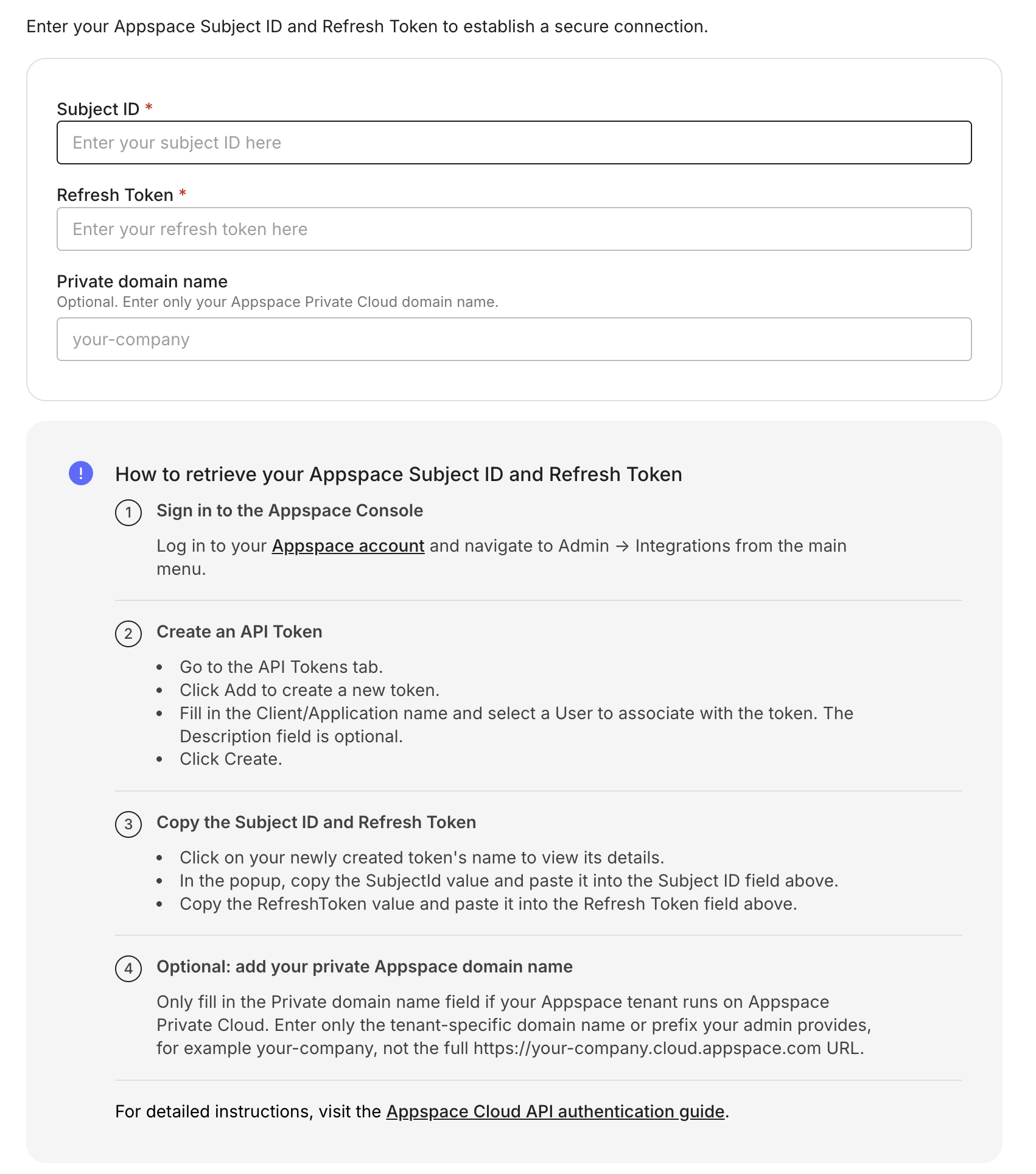
Step 1: Generate an API token in Appspace
- In Appspace, go to Integrations.

- Navigate to API Tokens and click Create.
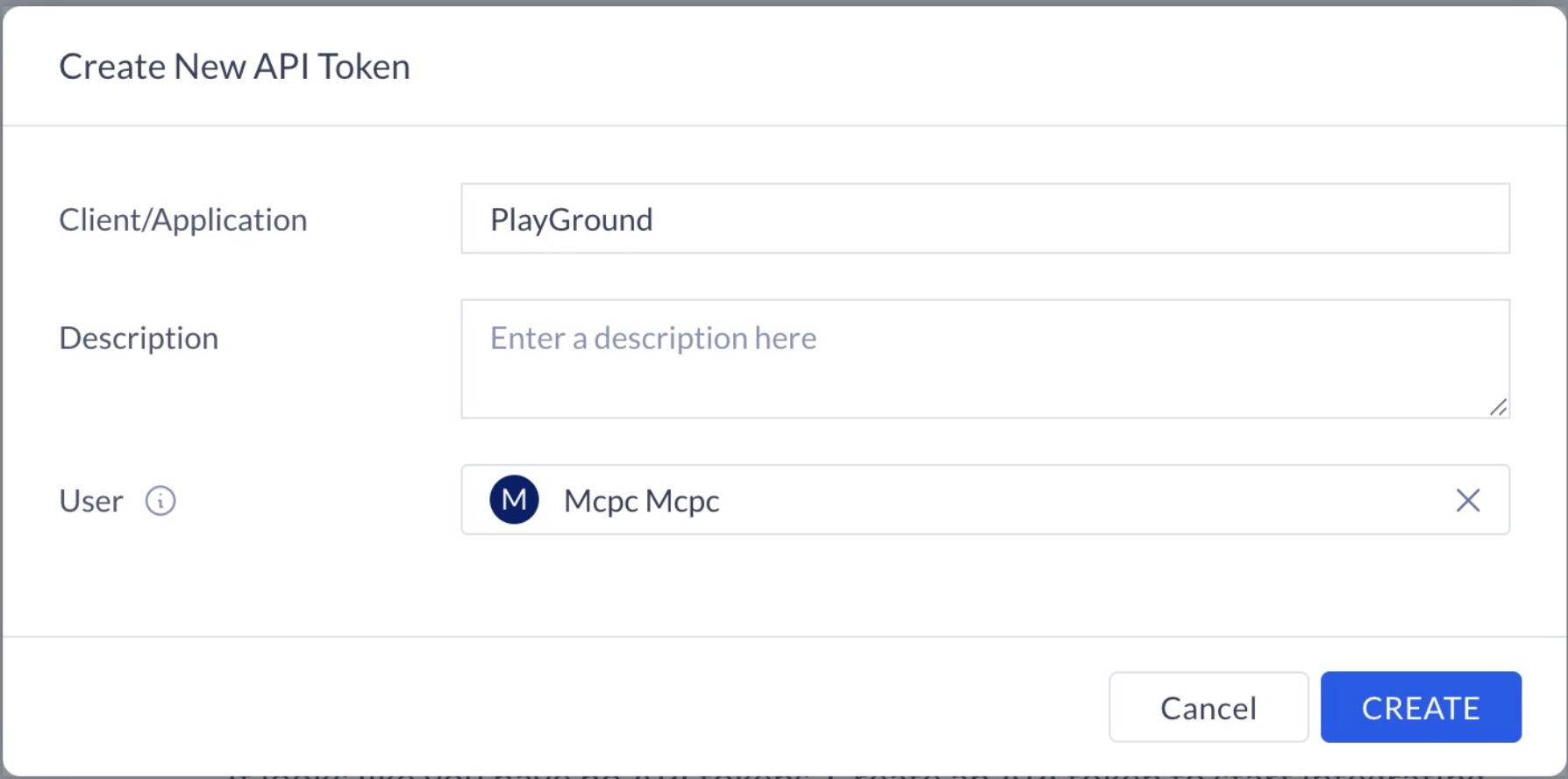
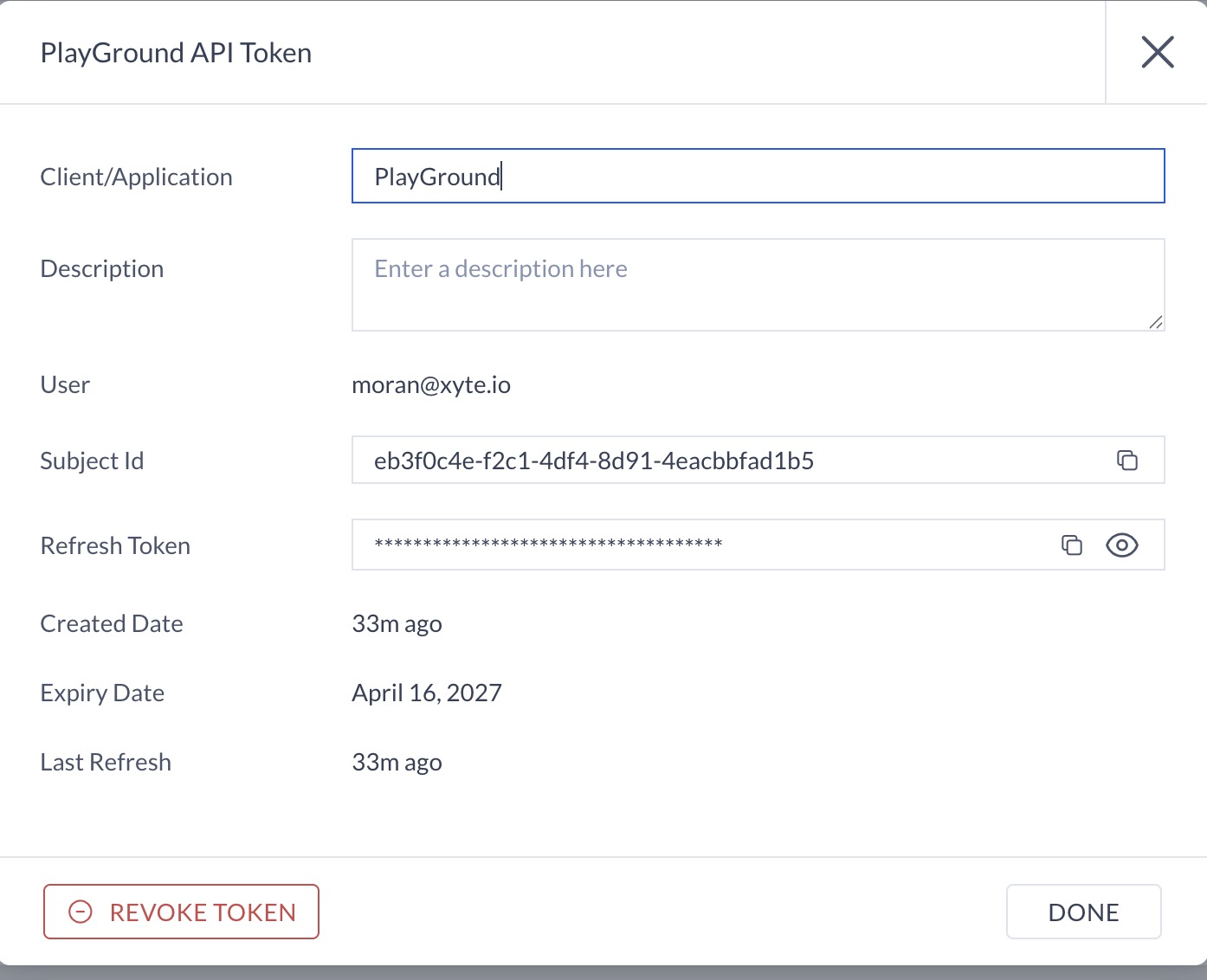
- Once created, a new entry will appear in the API Tokens list. Click on the name of the application.

- Copy the token details (Subject Id and Refresh Token)
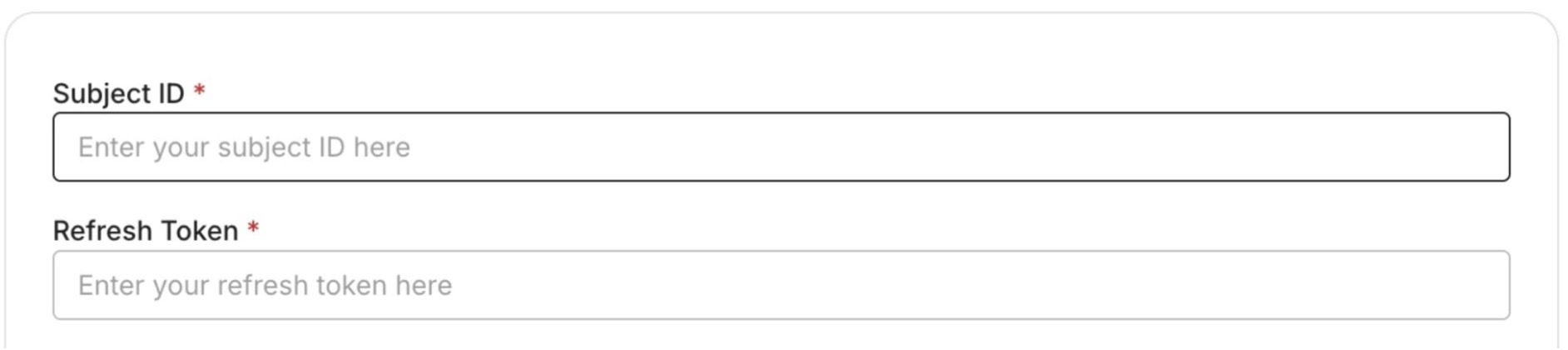
Step 2: Connect in Xyte
In Xyte, paste the token details from the previous step.
Related troubleshooting
Having trouble with this connector?
Open the AppSpace troubleshooting guideUpdated 2 months ago
Did this page help you?