
Poly Lens
Overview
Authorization with the Poly Lens cloud is done via an Admin Level API Key.
API Access Requirements
To use the Poly Lens cloud API with Xyte, make sure you have:
- Required account / tenant: Poly Lens tenant
- Required access: API credentials
- Required plan / license: Premium or Pro entitlement; basic tier does not include API credentials
- Where to verify: Poly Lens Premium / Pro info page
Steps
-
Visit the Poly Lens cloud at https://lens.poly.com/
-
Login to your account.
-
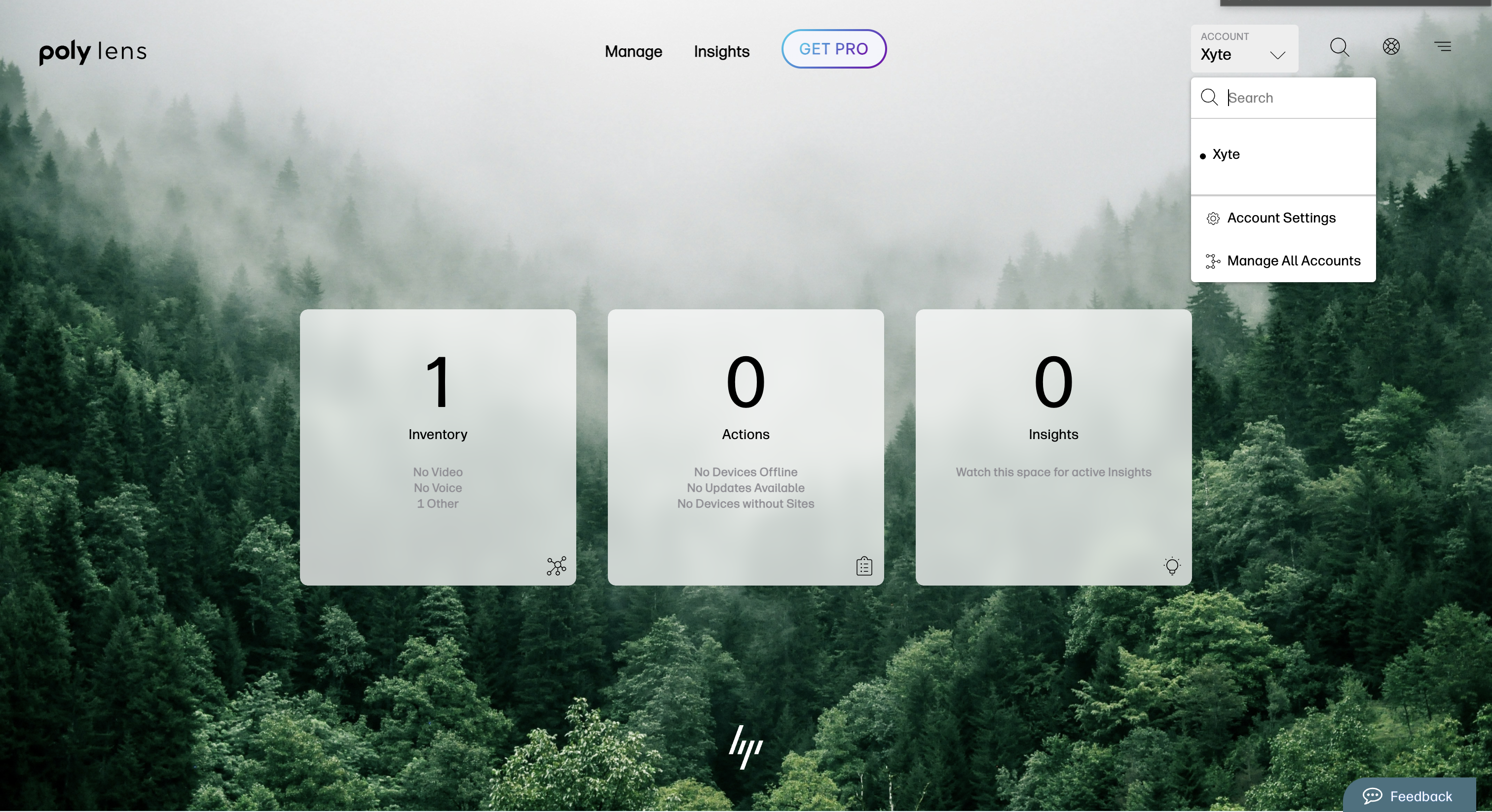
Go to the "Account menu" on the top right and select "Manage Accounts"
-
Select the account you with to connect.
-
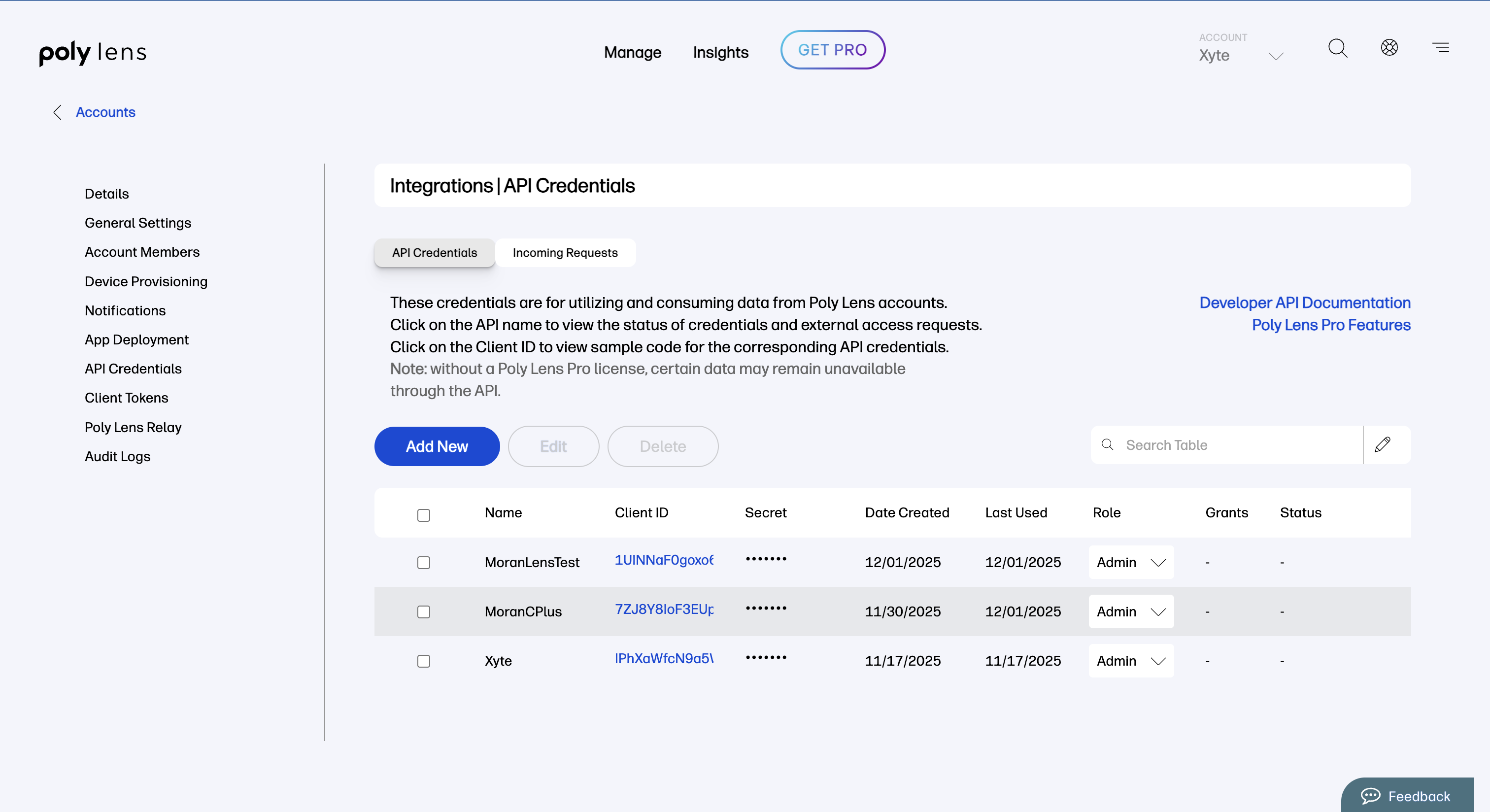
Select "API Credentials" from the left side bar.
-
Click the "Add New" button.
-
Select "Admin" from the dropdown and click "Create".

-
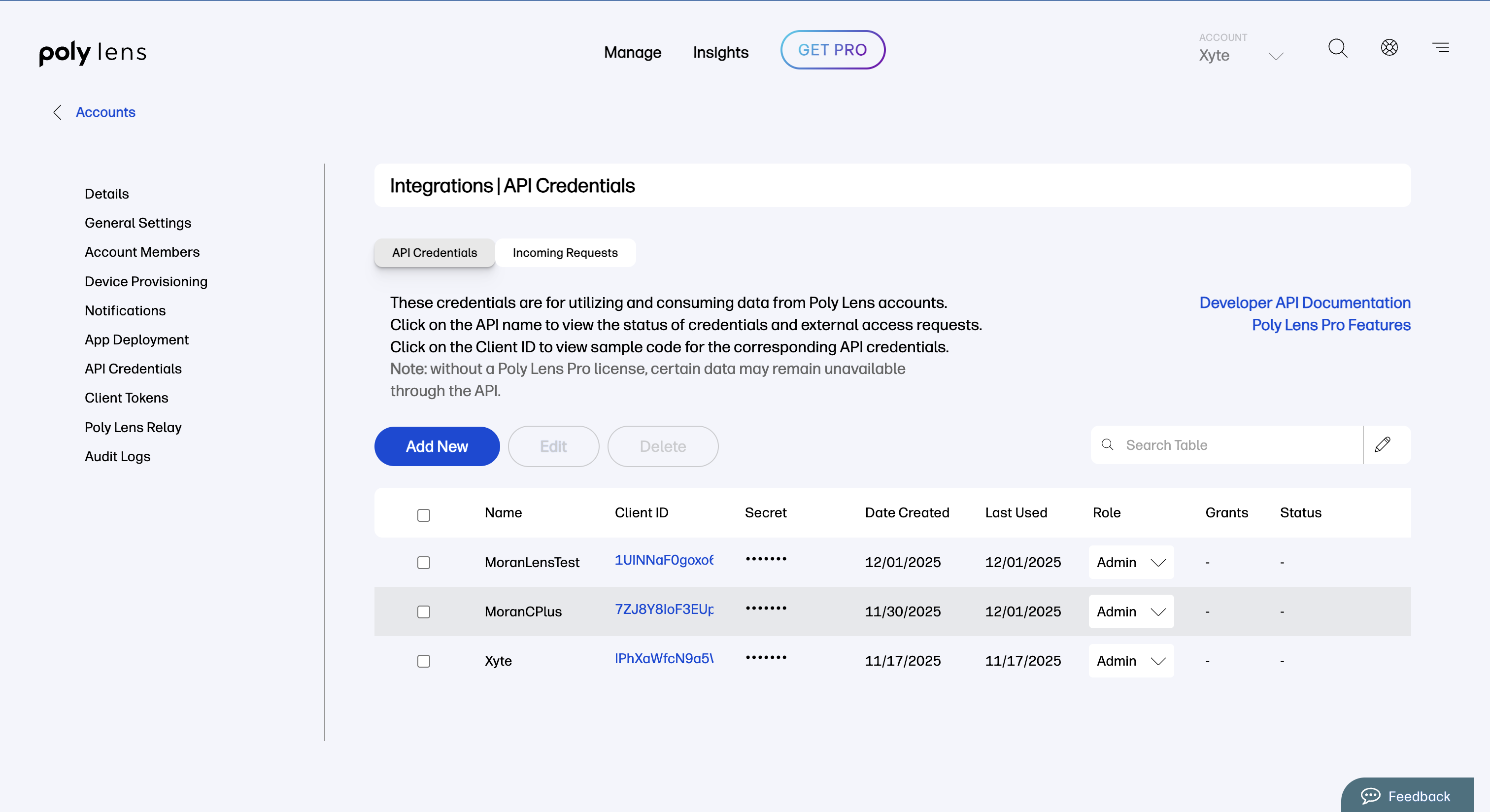
Copy the Client ID and Secret and paste them on Xyte's side.
Additional information
Connector root space name: Poly Lens
If deleted and re-added:
Deleting this connector will remove all imported devices and their data. This action cannot be undone.
- A new connector will be created upon re-adding.
- If the name
Poly Lensalready exists, the new connector will be namedPoly Lens 1. - The device tree will be re-imported under the new connector.
- The tree hierarchy will not be deleted.
Updated 3 months ago
Did this page help you?