
Zoom Rooms
API Access Requirements
To use the Zoom Rooms cloud API with Xyte, make sure you have:
- Required account / tenant: Zoom account with Zoom Rooms
- Required access: Access to the rooms/devices you want to manage
- Required plan / license: Paid Zoom Rooms license
- Where to verify: Zoom Rooms pricing page
Permissions
The approving user must have administrative privileges on the Zoom account and perform an OAuth2 flow.
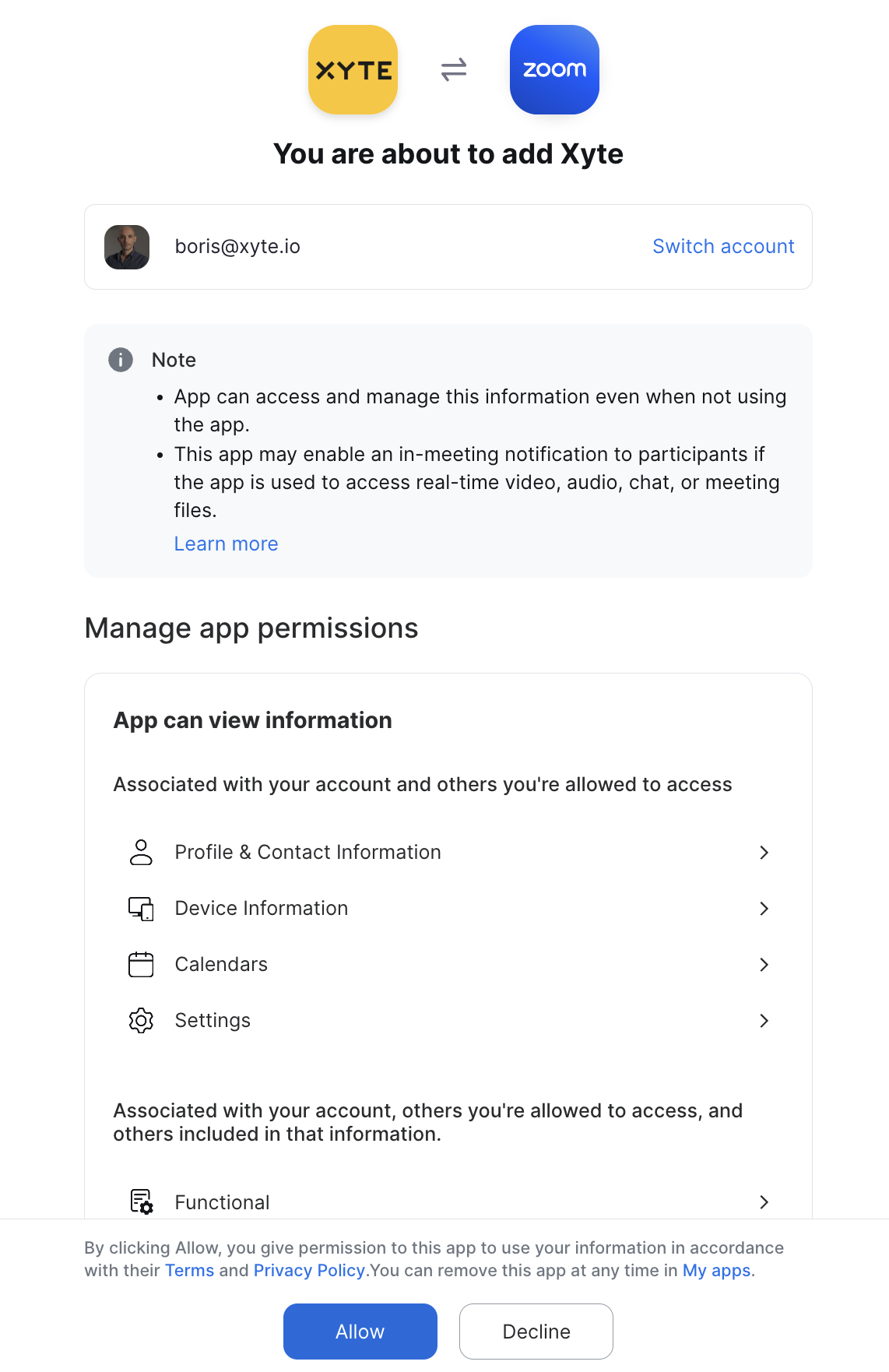
The Xyte platform requires minimal permissions to the tenant, collecting data only about "Zoom Rooms" and not users, calendar or any other aspect of your Zoom tenant.
Room sensor data (occupancy and environmental readings) uses an optional permission. Connectors authenticated without it keep working normally — you simply won't receive sensor telemetry. To enable it later, re-authenticate the connector and approve the additional permission.
Collected information
Device Information
Not all device types provide all data points
- ID
- Status
- Room Name
- IP Address
- App Version
- Device Specifications
- Type
- Model
- System
- Hostname
- Manufacturer
- Serial Number
- Software Details
- App Target Version
- Device Firmware
- Network Details
- MAC Addresses (List of MAC addresses)
Monitored events
- Controller/Scheduling Display: Connection status
- Selected Mic, Speaker, or Camera: Connection status
- Zoom Room: Connection status
- CPU Usage: High usage detection
- Network: Low bandwidth detection
- Controller/Scheduling Display Battery: Low battery detection
- Zoom Rooms Display: Issues monitoring
- Audio Device: Quality Issues monitoring
- SIP Registration: Status
Room sensor data
Requires a Zoom Rooms appliance with people-count / environmental sensors (for example Neat or Poly devices), the Count attendees setting enabled in Zoom Rooms, and the optional sensor-data permission approved for the connector.
- People count (room occupancy)
- CO2
- Temperature
- Humidity
- VOC
- Air pressure
- Air quality (AQI, PM2.5, PM10)
Remote commands
- Reboot: Restart the Zoom Room.
- End Meeting: End the meeting currently in progress on the Zoom Room, for all participants. A confirmation is shown before the command is sent.
Remote commands require the Zoom Rooms room-control permission. If a command fails with a permissions error, re-authenticate the connector to grant the updated permissions.
The above might change as Zoom Room APIs are extended
Additional information
Connector root space name: Zoom
If deleted and re-added:
Deleting this connector will remove all imported devices and their data. This action cannot be undone.
- A new connector will be created upon re-adding.
- If the name
Zoomalready exists, the new connector will be namedZoom 1. - The device tree will be re-imported under the new connector.
- The tree hierarchy will not be deleted.
Related troubleshooting
Having trouble with this connector?
Open the Zoom Rooms troubleshooting guideUpdated about 2 months ago